LousyMonkey

NEXT-GENERATION LIVE VISUALS

You Are the Show.

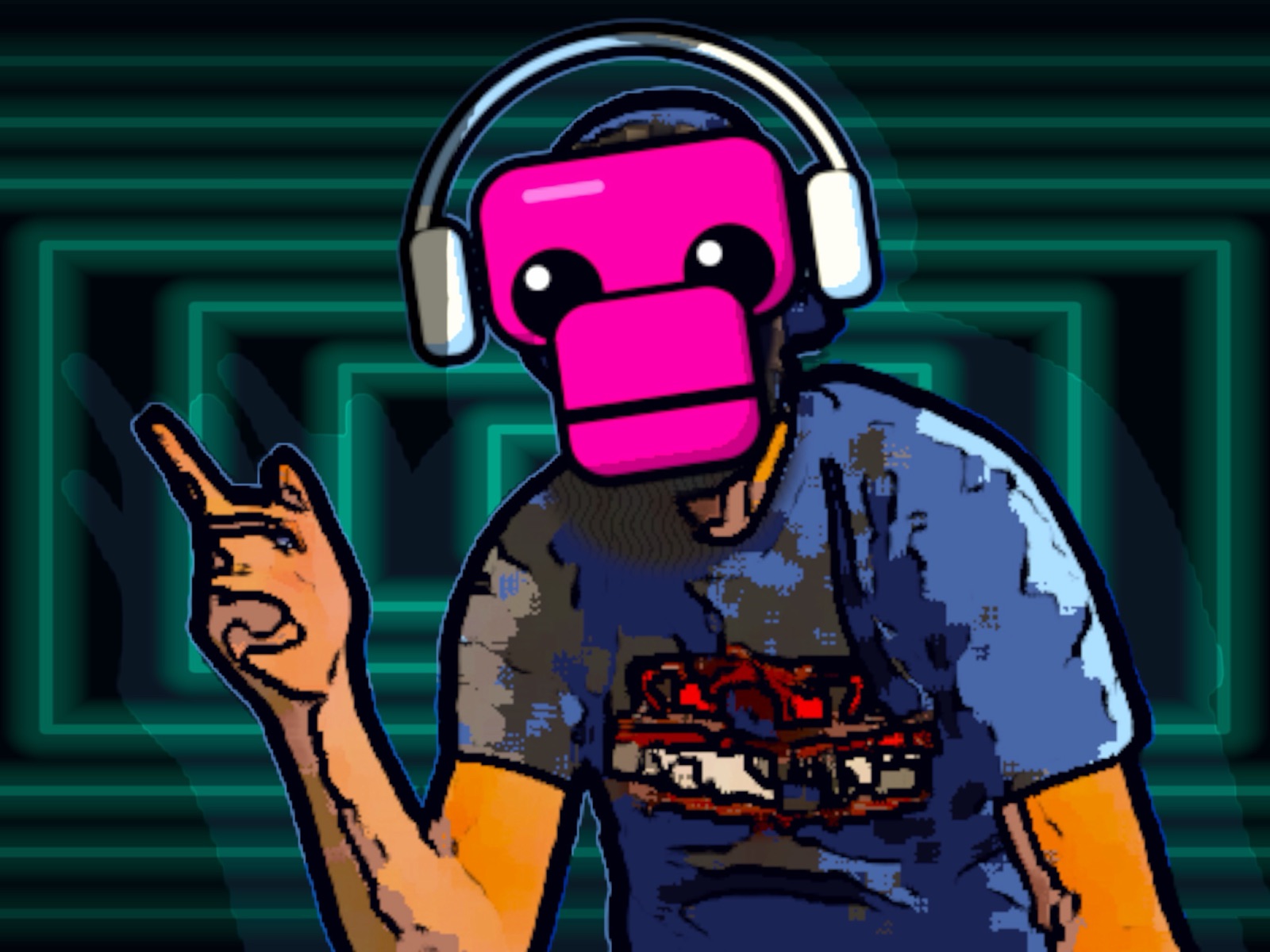
LousyMonkey turns the music, the DJ, and the crowd into one living visual experience, in real time, directly from your iPhone or iPad.

Free public beta on TestFlight: every feature unlocked while we test with DJs.

NO VJ. NO LAPTOP. NO MANUAL CUEING REQUIRED.

MOST VISUALIZERS HEAR THE BEAT.
LOUSYMONKEY SEES THE ROOM.

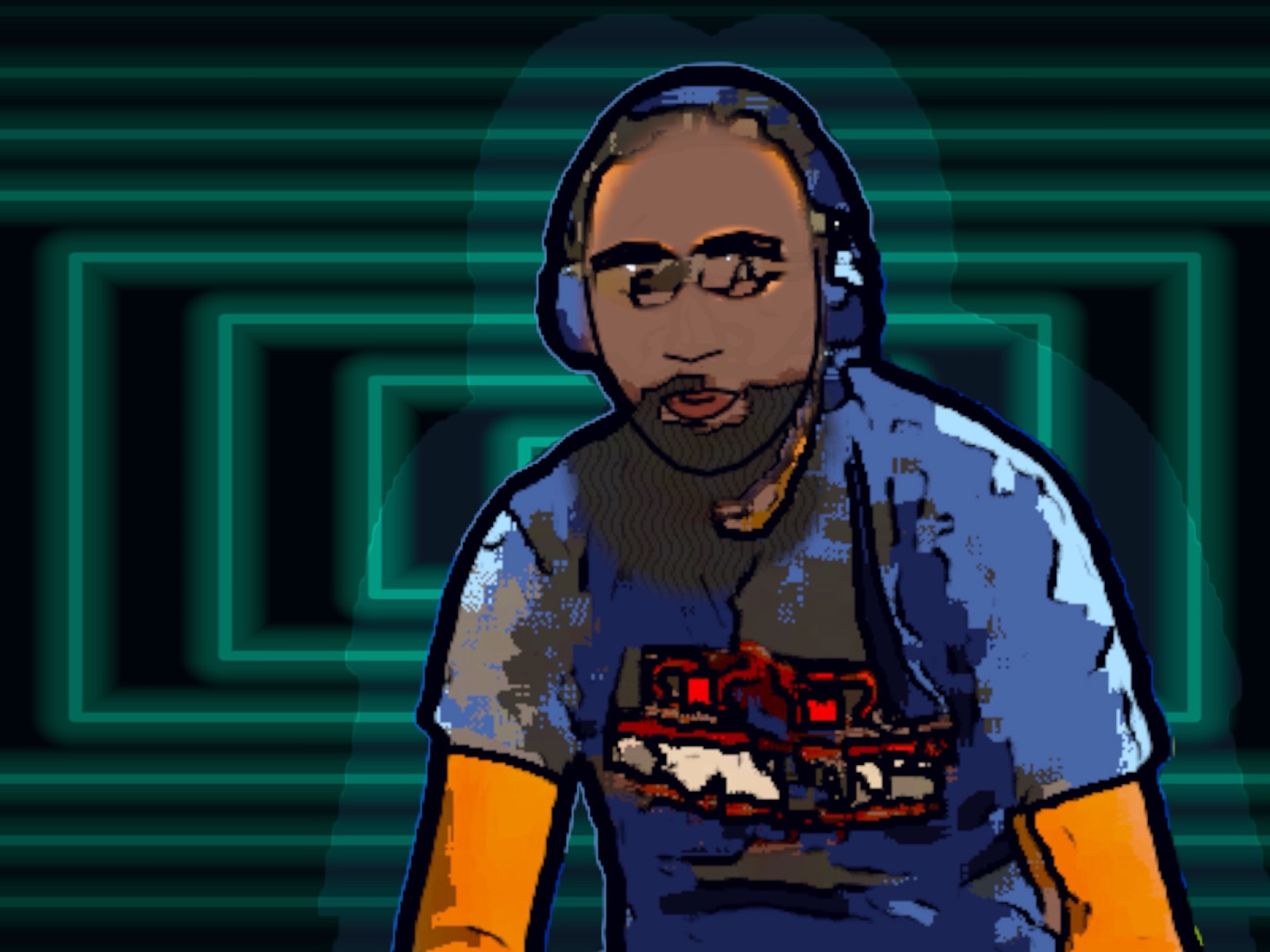
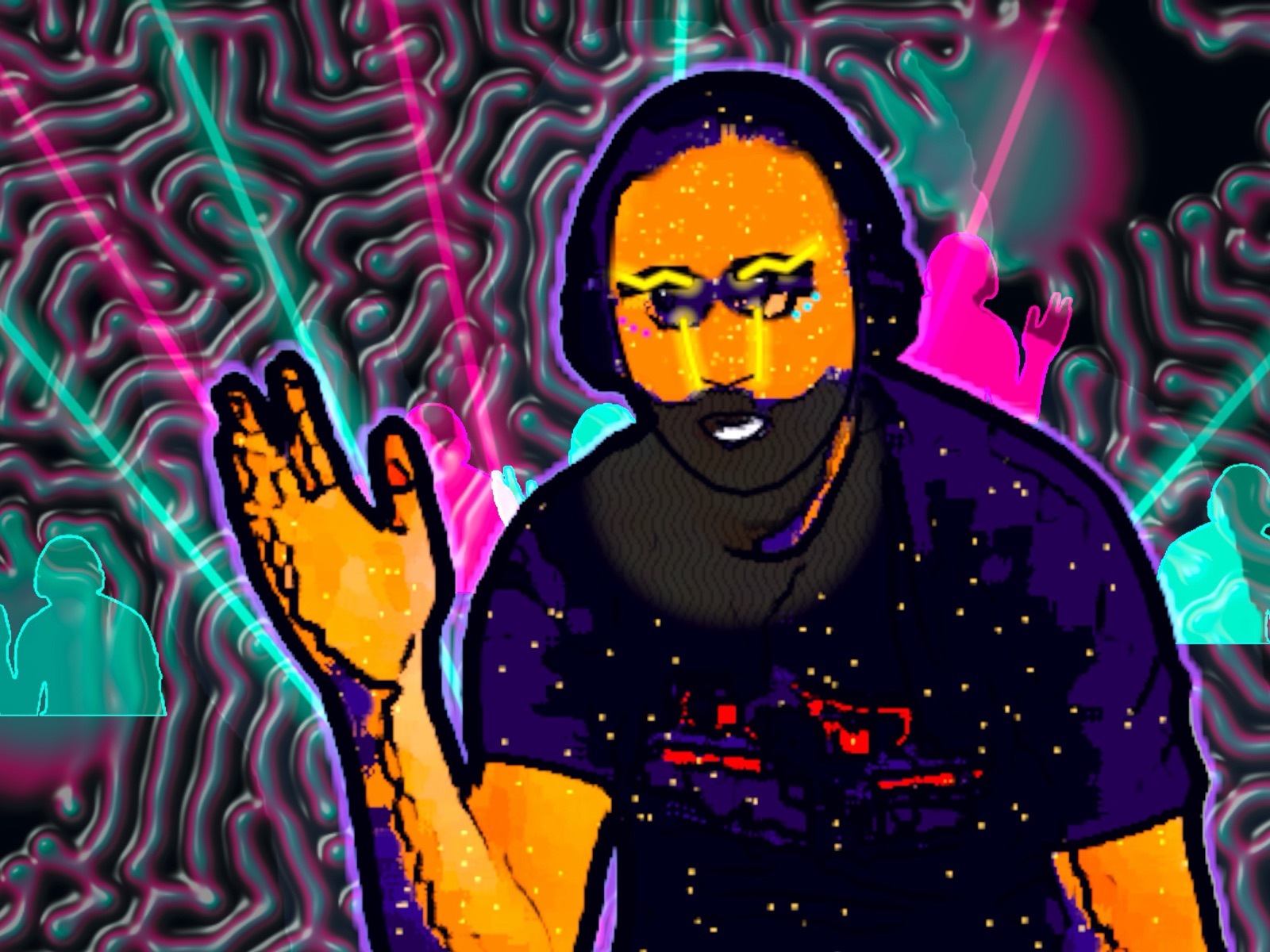
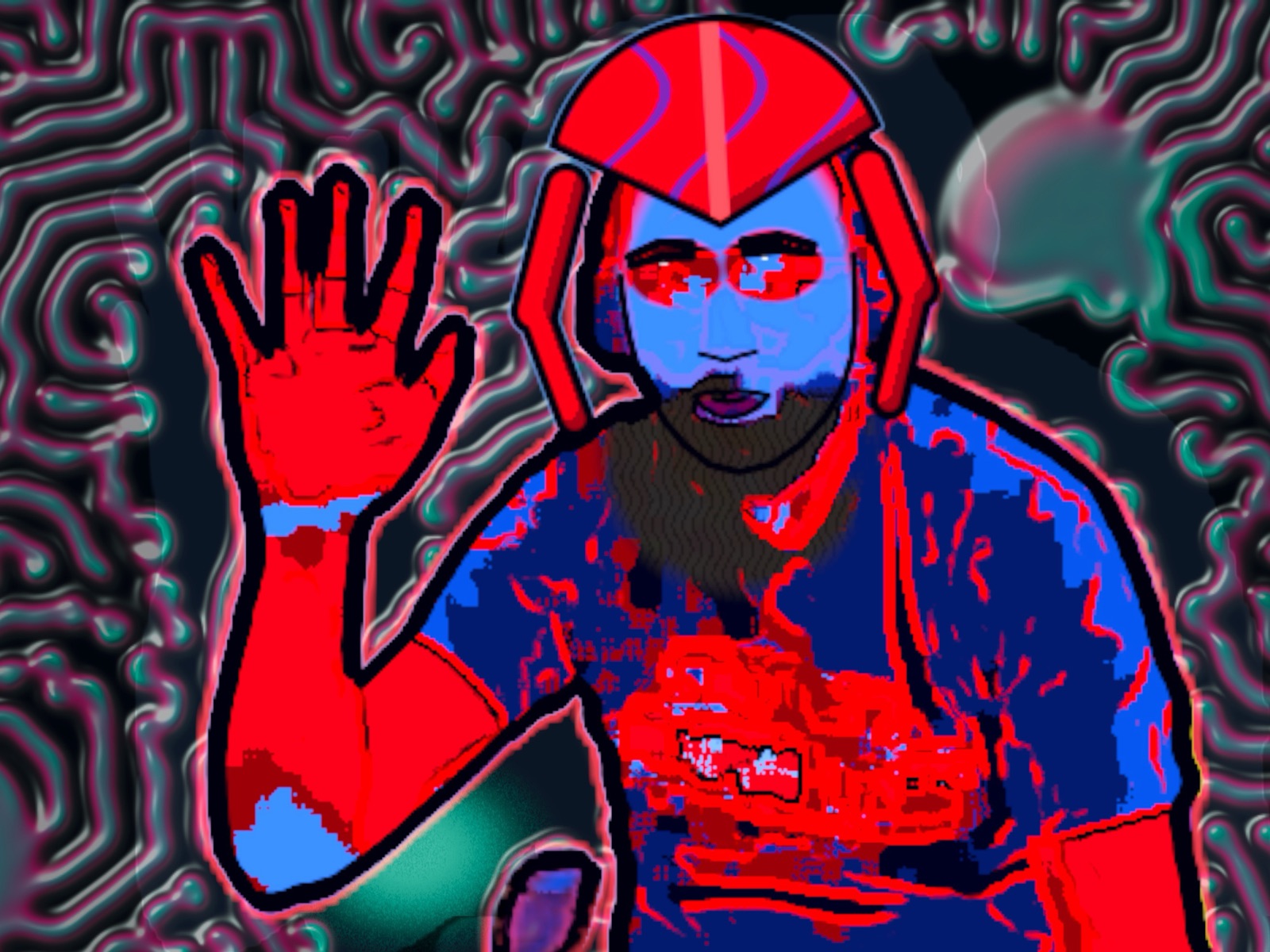
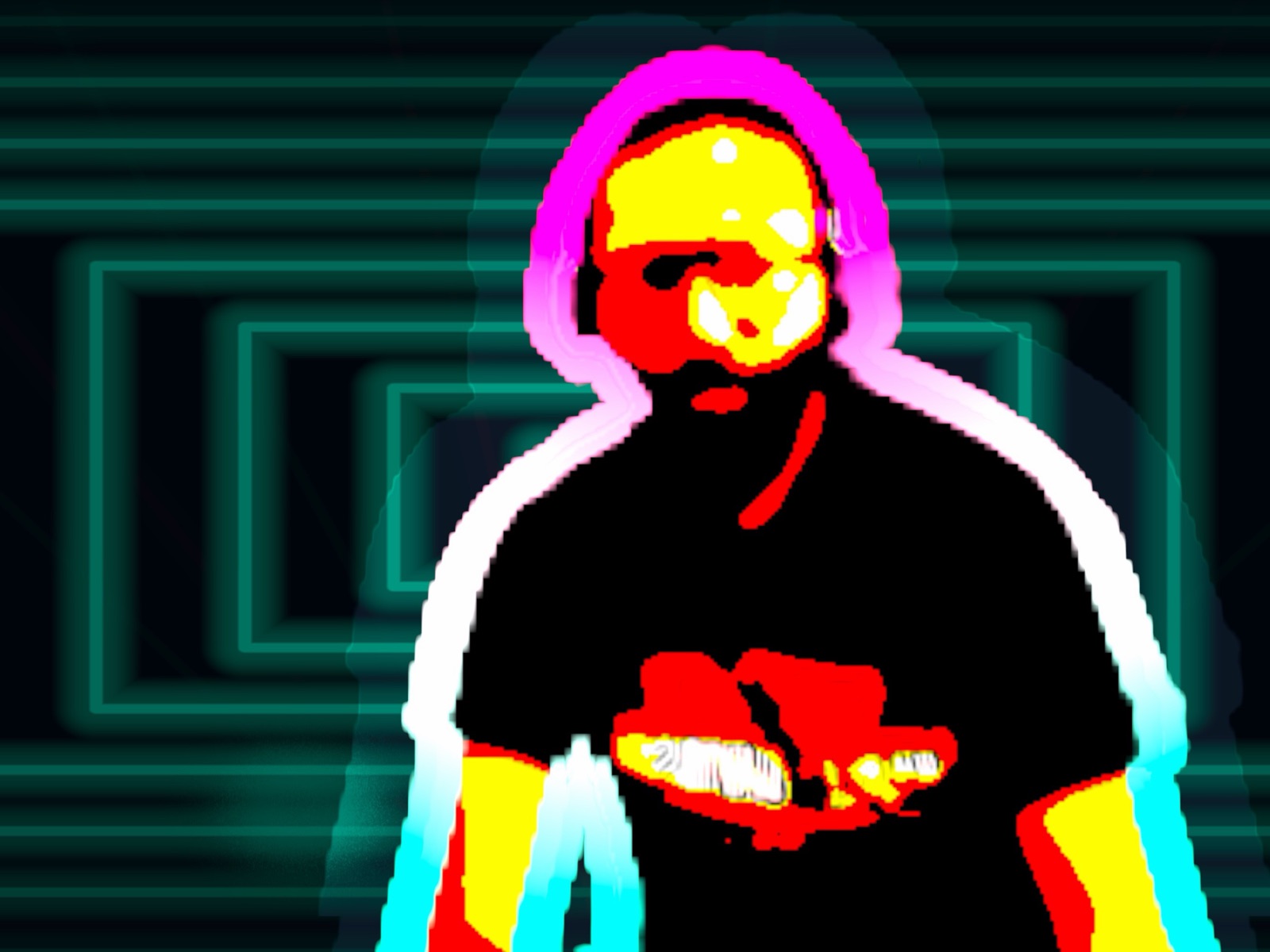
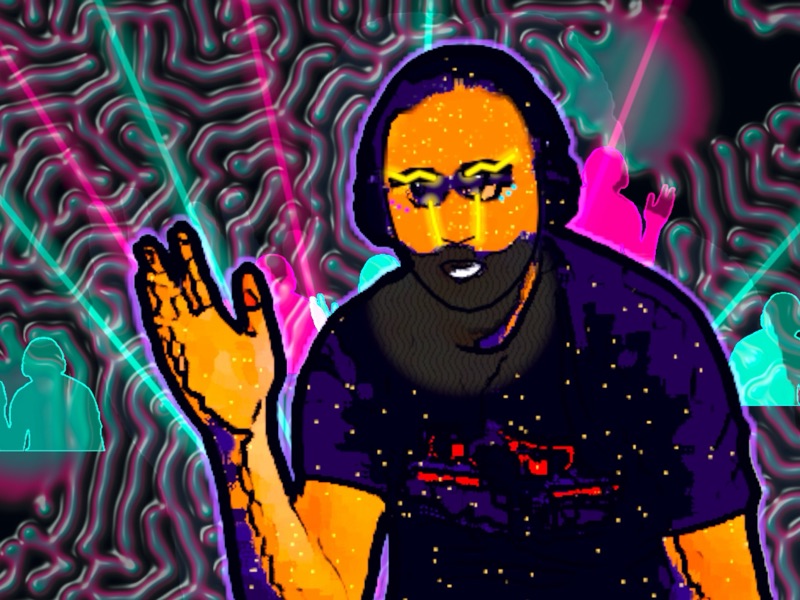
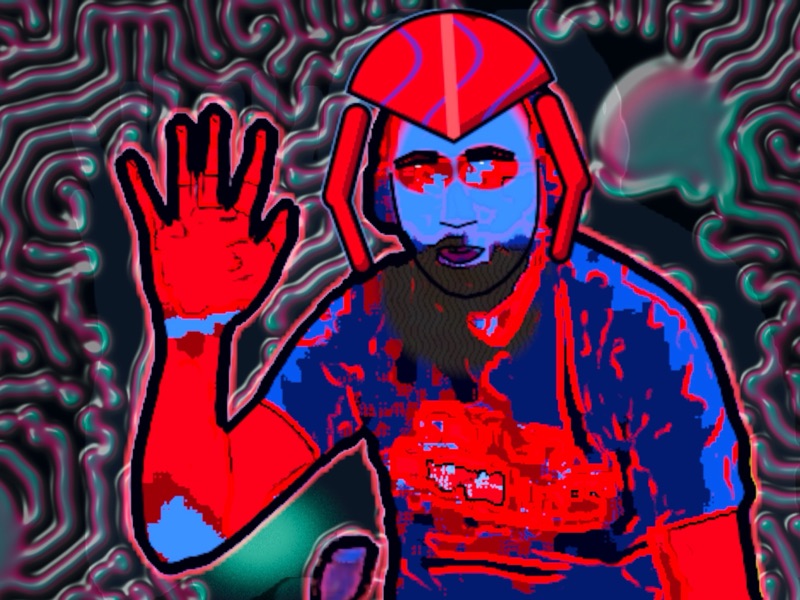
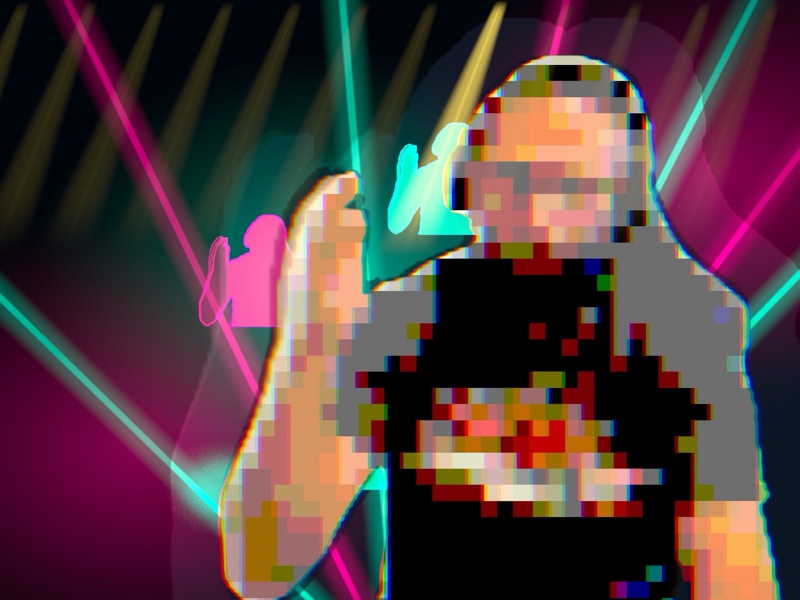
Point the camera at the DJ, the crowd, or yourself. LousyMonkey combines live movement with rhythm, energy, music sections, and touch. The performance becomes the visualization, from first dance to peak time.

LIVE CAMERA RAW CAMERA
AUTOPILOT LIVE
CAMERA SEES THE ROOM Silhouettes become part of the composition.
LOUSYMONKEY OUTPUT

AUTONOMOUS BY DESIGN

SET IT UP.
LET IT PERFORM.

LousyMonkey runs the visuals so you can stay focused on the set.

  1. SET THE SCENE

    Mount your iPhone or iPad facing the DJ or crowd, pick the vibe for the room, and connect a TV or projector.

  2. START AUTOPILOT

    LousyMonkey listens to the music and reacts automatically to rhythm, energy, breakdowns, buildups, and drops.

  3. PLAY YOUR SET

    Put the device down. Your visuals keep performing while you do. Take control only when you want it, on screen or from a second iPhone in your pocket.

A DIFFERENT ROOM
EVERY TIME.

Mix color, backdrop, silhouette, movement, and music response into a visual that belongs to the performance happening now.

FIVE VIBES One tap sets colors, pace and flashing for the room

  • Standard
  • Wedding
  • Bar
  • Club
  • Corporate

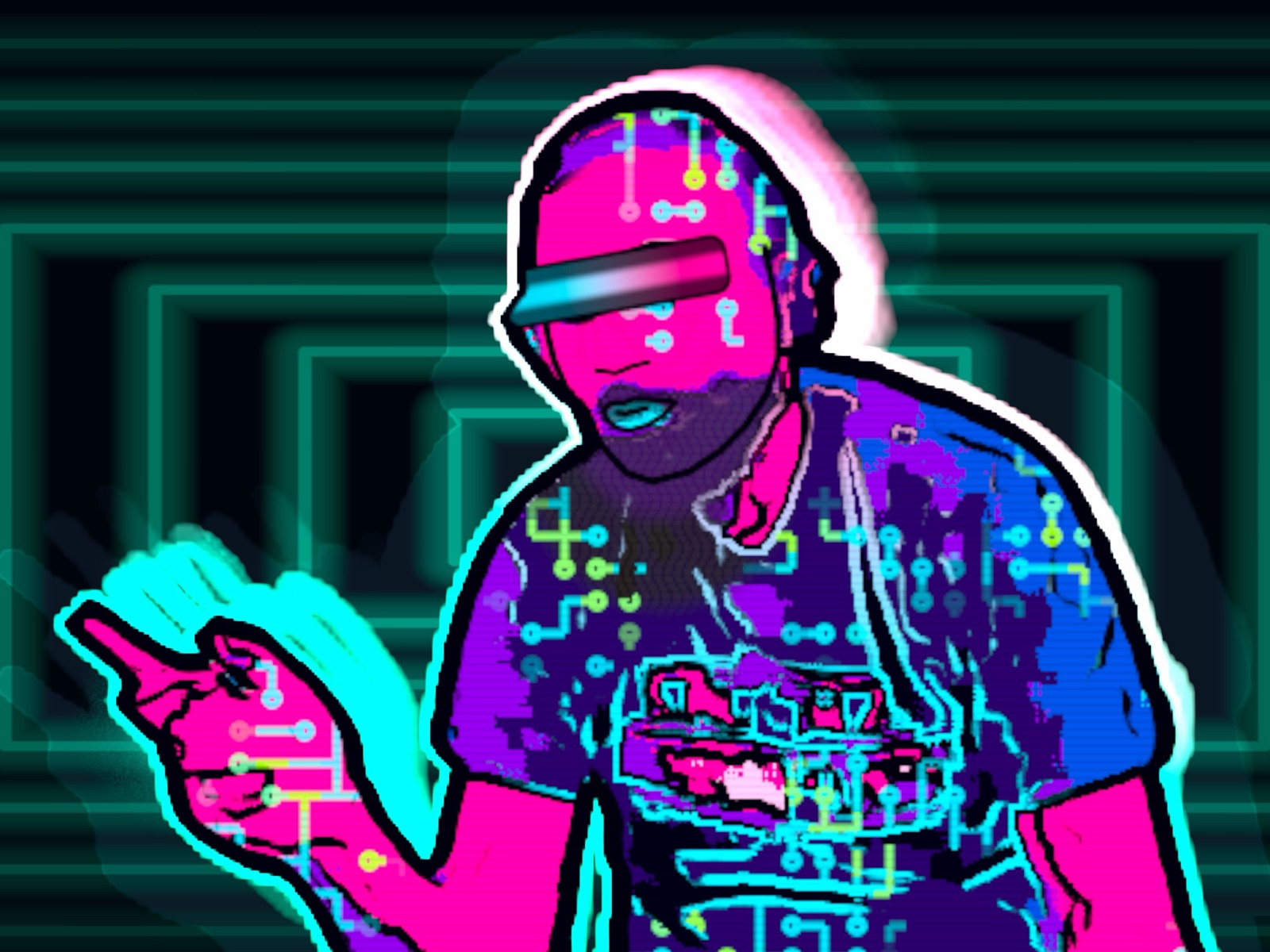
SIX COLOR LOOKS

  • Neon Veil
  • Solar Flare
  • Arctic Pulse
  • Acid Club
  • Ultraviolet
  • Silver Echo

TEN BACKDROPS + Random rotates them live

  • Tunnel
  • Neon Vortex
  • Concentric Portal
  • Light Ribbons
  • Fluid Neon
  • Wireframe Flow
  • Moire Field
  • Geometric Portal
  • Warp Drive
  • Bloom

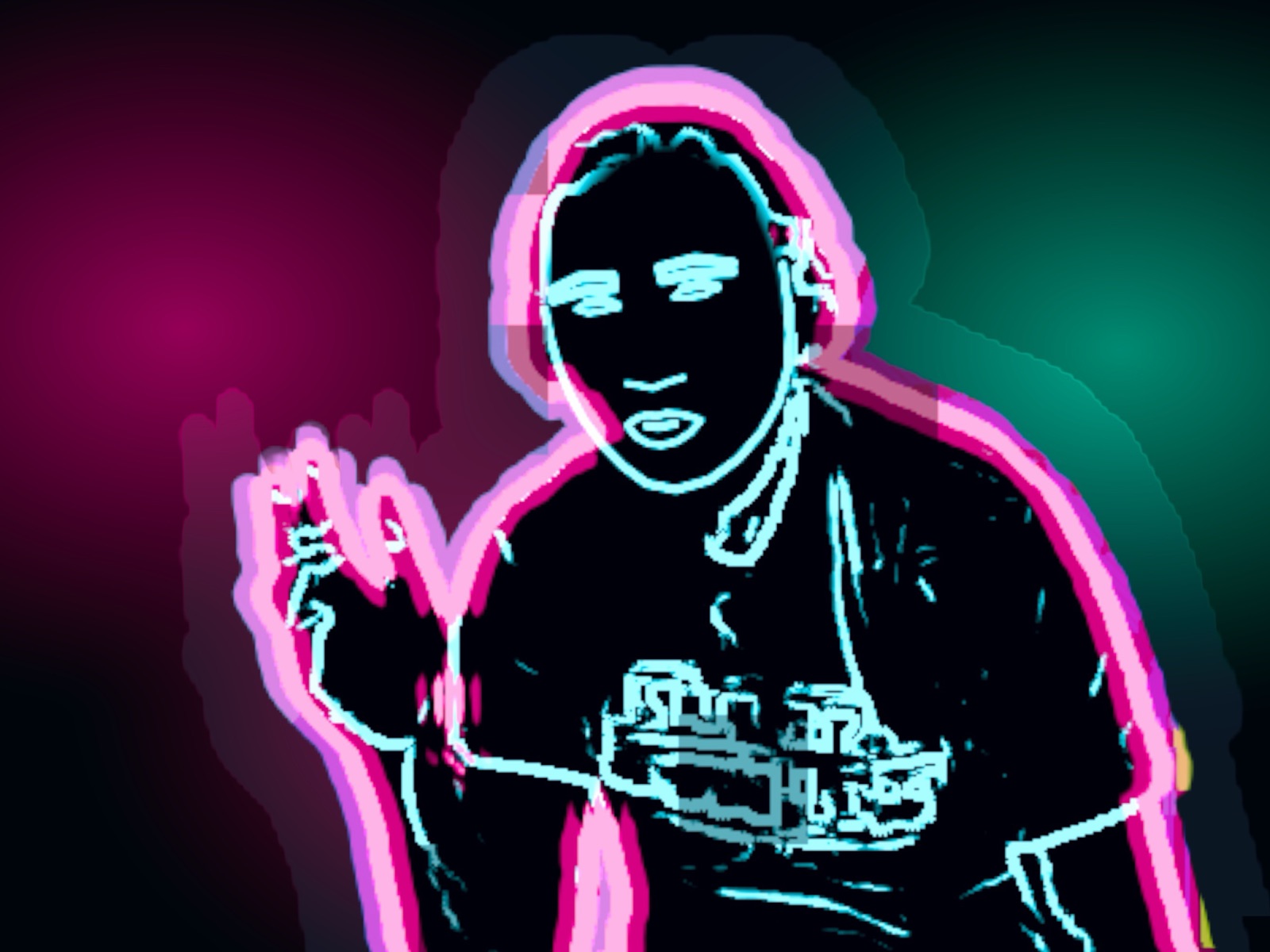
THREE SILHOUETTE MODES in Fill or Outline style

  • Full
  • Motion
  • Ghost Trail

FOUR TABS Big buttons you can hit in a dark booth

  • SHOW tab: vibe, reduce flashing, colors, backdrop, silhouette and styleSHOW
  • MUSIC tab: tempo, music sensitivity and auto drop detectionMUSIC
  • EXTRAS tab: splash screens, on-screen light effects, Brand Kit and on-screen messagesEXTRAS
  • SETUP tab: stationary mode, purchases, recording format, unattended venue mode and settings PINSETUP

IT KNOWS WHEN
THE DROP HITS.

Auto Drop follows groove, breakdown, buildup, and drop states so the visual develops with the track. DJs can take over at any time with two-finger gestures, the private show controls or the iPhone remote.

Automatic music-section detection with manual performance control.

Tap the tempo, fix half or double time, or hold the beat when the room gets too loud. Blackout, Hit and Lock Look sit one two-finger double-tap away, hidden from the audience.

THE ROOM CAN
PLAY IT TOO.

Swipe into touch performance and draw music-reactive light directly over the live view.

Every finger becomes an effect.

The room becomes the controller.

TOUCH PERFORMANCE

PUT THEIR NAME
ON THE BIG SCREEN.

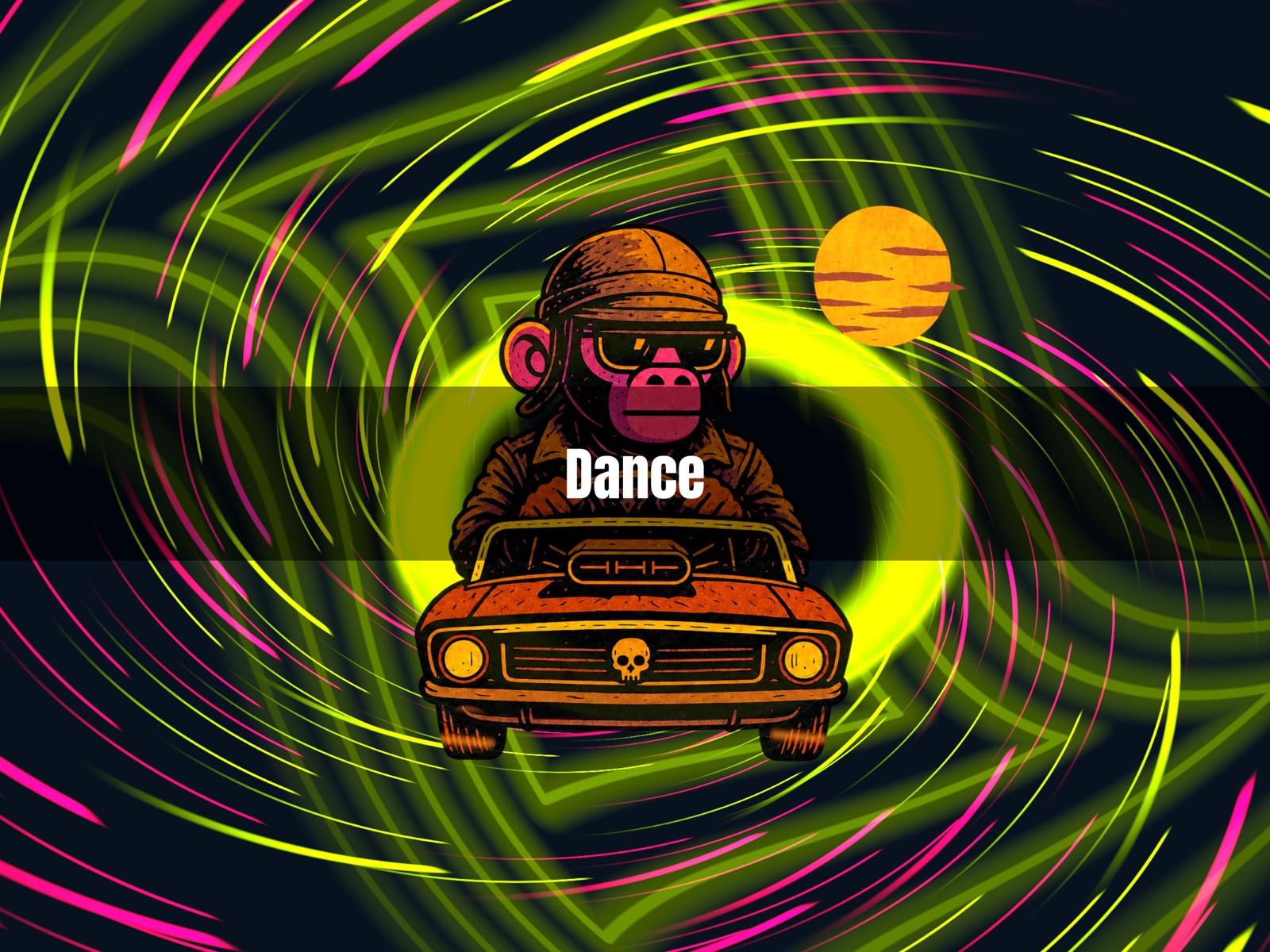
Birthday shout-outs, the couple’s names, “Last call”, “Hands up”. Save your lines before the gig and drop them on the beat.

  • Up to 40 characters, faded in on the next beat.
  • Show once, keep it on, repeat on an interval, or only during Groove, Breakdown, Buildup or Drop.
  • Messages find space away from your logo and QR.
  • Choose whether each message appears in recordings.
  • Free saves one message. Personal and Commercial save five.
The message DANCE shown over a live LousyMonkey visual ON-SCREEN MESSAGE

CAPTURE WHAT
THE ROOM CREATED.

Tap REC to capture the composed camera, visuals, and public branding. Clips save straight to Photos while the show keeps running, with no pop-up in the middle of your set.

  • Recording is always started by you, on the device or from the iPhone remote.
  • Clips run up to 5 minutes, long enough for the build, the drop and the crowd.
  • Record the screen as shown, or a vertical 9:16 clip ready for Reels and TikTok. Couples book what they see, so your clips sell the next gig.
  • Private controls stay out of the recording.
  • Trim and share from Photos after the set.

YOUR SCREEN FOR CONTROL.
THEIR SCREEN FOR THE SHOW.

Start with the device in your bag and grow into a full booth rig. Connect a TV or projector over HDMI or AirPlay and the audience gets a clean composition while settings stay on your device.

  1. SOLO

    iPhone or iPad

    Mount it, start Autopilot and record clips. The screen is the show.

  2. BIG SCREEN

    iPad + TV or projector

    Send the show over an HDMI adapter or AirPlay. If the display drops, the output reconnects by itself.

  3. BEST COMBO

    iPad + TV + iPhone remote

    The iPad watches the room and drives the TV. Your iPhone runs Blackout, Hit, sections, messages and REC from the decks.

  4. VENUE

    Unattended, all night

    Commercial starts the show at launch, keeps the screen awake and locks settings with a PIN. Guests can still draw on the screen.

External output depends on your device and the AirPlay or wired-display route iOS provides.

BUILT BY A WORKING DJ

MADE FOR THE ONE NIGHT
THAT CAN'T GO WRONG.

ON THE NIGHT

  • Run at a real wedding: 90 minutes on a powered iPad facing the crowd, recording in use, no glitches reported.
  • It never shows your DJ software, playlist or settings. It runs on its own device, and only the show reaches the screen.
  • Blackout is one tap away, on the device or from the iPhone remote.
  • If the remote drops, the show keeps running. If the display drops, the output reconnects by itself.
  • Recording stops and saves on its own if storage runs low or the device gets too hot.
  • No content to prepare and no extra crew: Autopilot builds the visuals from the room.

KIT WHAT YOU NEED

  • An iPhone or iPad on iOS or iPadOS 17 or later.
  • A stand or mount facing the dance floor, the DJ, or both.
  • For a TV or projector: an HDMI adapter for your device (the steadier choice), or AirPlay.
  • Power for anything longer than an hour. A warm device slows down.
  • Optional: a second iPhone as the remote, with no purchase on that phone.

IPHONE REMOTE · PERSONAL AND COMMERCIAL

RUN THE SHOW
FROM YOUR POCKET.

Leave the iPad on the stand facing the room. Pair a second iPhone with a 4-digit code and control everything from behind the decks.

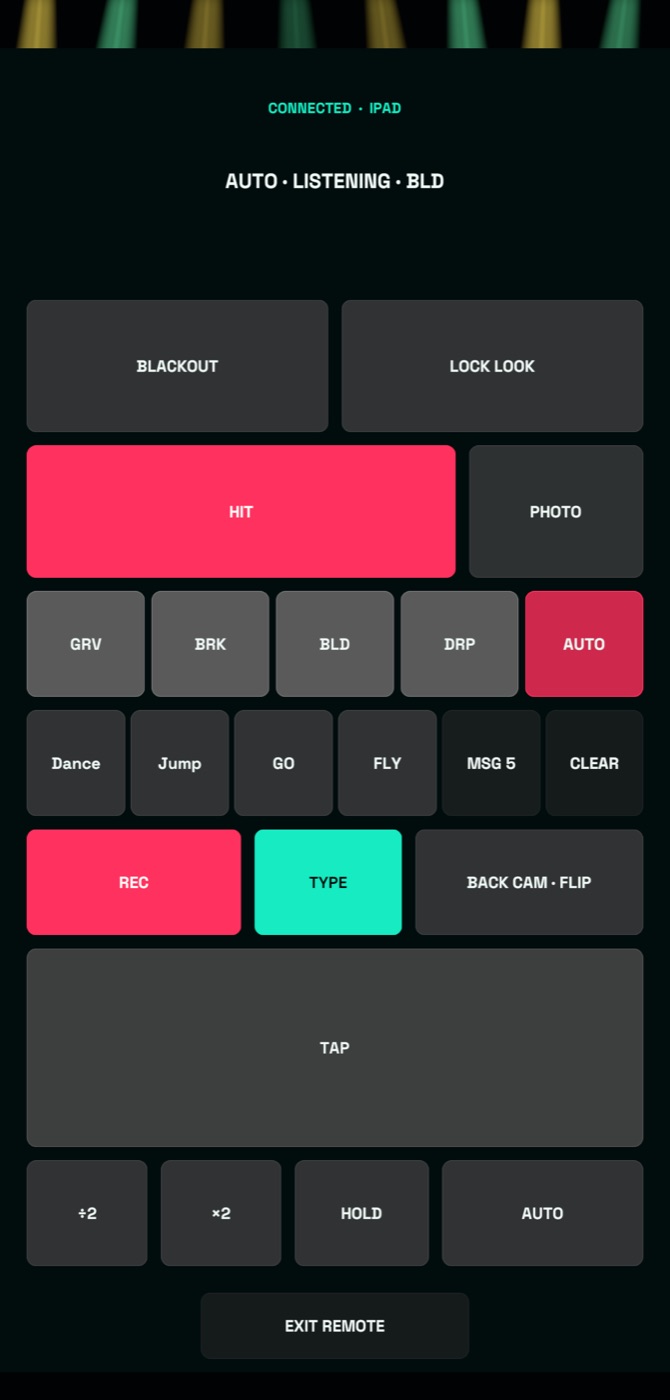
  • Blackout, Hit, Lock Look and GRV · BRK · BLD · DRP · AUTO.
  • Fire saved messages, or type a new one and show it now.
  • REC, PHOTO and front or back camera flip.
  • Tap the tempo, ÷2, ×2, Hold or back to Auto.
  • Live status: tempo, section and recording time left.
  • No venue Wi-Fi needed. It pairs over Bluetooth and direct Wi-Fi and reconnects by itself.
  • If the remote drops, the show keeps running.
  • The remote phone needs no purchase.
iPhone remote with Blackout, Lock Look, Hit, Photo, sections, messages, REC, Type, camera flip and tempo buttons IPHONE
Pairing screen on the iPad showing a 4-digit code and a connected iPhone IPAD · PAIRING

COMMERCIAL · FOR PAID GIGS UNDER YOUR NAME: WEDDINGS, CLUBS, BARS, BRANDS

YOUR BRAND ON THE SCREEN.
NOT OURS.

Booked for a wedding, a club night, a bar or a brand? Personal keeps a small LousyMonkey logo on the screen and in your clips. Commercial takes it off the screen, the TV and your clips, so the room only sees your name.

Sell it as your own add-on: the couple's names on the big screen, your logo and QR, and vertical clips that win your next booking.

ONE SWITCH: WHITE LABEL

  • The LousyMonkey logo disappears from the device, the audience display and recordings.
  • No LousyMonkey QR pops up during your set.
  • No LousyMonkey watermark on the clips you post.
  • Splashes play only your own PNG or animated GIF artwork.

PLUS EVERYTHING ELSE

  • Everything in Personal: all looks, Autopilot, the iPhone remote, five messages, your logo and editable QR.
  • Your logo in any corner, including bottom-right.
  • Or go part way: hide just the Powered by mark and keep your own logo and QR on screen.
  • Unattended venue mode: starts by itself, stays awake and locks settings with a PIN. A paired remote still works while locked.
  • One-time purchase. No subscription.
Brand Kit controls: QR display, logo position TL TR BL BR, logo size and opacity, QR Spotlight, Powered By and White Label
BRAND KIT · COMMERCIAL

THE WHOLE ROOM BECOMES THE VISUAL.
MAKE IT YOURS.

Free gives you the complete live performance core. Personal unlocks the full visual system, the iPhone remote and your branding tools. Commercial makes the show entirely yours: no LousyMonkey branding anywhere, plus unattended venue mode. Playing paid gigs under your own name? Choose Commercial.

  • Free: Tunnel, default colors, Full/Fill silhouette, all five vibes, tempo and show controls
  • Free: 5-minute recording in Screen or Vertical 9:16, plus one saved on-screen message
  • Free: LousyMonkey logo plus a scheduled LousyMonkey QR on screen and in recordings
  • Personal: all backdrops, colors, silhouettes, Backdrop Autopilot and Random Look
  • Personal: run the show from a second iPhone. The remote phone needs no purchase
  • Personal: five saved messages, your logo in TL, TR or BL and a fully editable audience QR. A small LousyMonkey logo stays on screen and in clips
  • Personal: import up to 10 PNG or animated GIF splashes alongside the standard set
  • Commercial: everything in Personal
  • Commercial: White Label removes the LousyMonkey logo, QR and recording watermark everywhere
  • Commercial: hide the Powered by mark or the QR on their own
  • Commercial: your logo in all four corners and custom-only splashes
  • Commercial: unattended venue mode with auto-start and a settings PIN

Personal and Commercial are one-time purchases. No subscription.

JOIN THE FREE BETA

In the beta every feature is unlocked. After launch, choose Personal or Commercial inside the app; localized prices are shown before purchase.

FREE · PERSONAL · COMMERCIAL

CapabilityFreePersonalCommercial
Camera, music, movement and touchYesYesYes
Audio, tempo and Stationary ModeAllAllAll
Vibe profilesAllAllAll
Show controls: Blackout, Hit, Lock Look, sectionsYesYesYes
RecordingUp to 5 min · Screen or Vertical 9:16Up to 5 min · Screen or Vertical 9:16Up to 5 min · Screen or Vertical 9:16
On-screen messages155
iPhone remoteLockedYesYes
BackdropsTunnel onlyAllAll
Backdrop Autopilot and Random LookLockedYesYes
ColorsDefaultAllAll
Silhouette modes and stylesFull · FillAllAll
Brand KitLockedLogo and editable QRLogo, editable QR and White Label
Your logoNoTL / TR / BLAll four corners
LousyMonkey logo (Powered by)Always bottom-rightAlways bottom-rightHide on its own or with White Label
Audience QRLousyMonkey link every 10 min for 15 sEditable destination, message and displayEditable, or switched off completely
Splash on/off, interval and Play NowYesYesYes
Splash filterAllAllAll or Custom
Custom PNG/GIF splashesNoUp to 10 alongside standard setUp to 10; custom-only filter available
Recording brandingLousyMonkey logo + scheduled LousyMonkey QRLousyMonkey logoRemoved with White Label
White LabelNoNoOne switch: no LousyMonkey logo, QR or watermark on the device, audience display or recordings; custom-only splashes
Unattended venue modeNoNoYes
PaymentFreeOne-time in-app purchaseOne-time in-app purchase

THE SHOW STAYS
ON YOUR DEVICE.

Camera, movement, and music analysis happen on your device. LousyMonkey collects no personal data, uses no tracking, and records only when you tap REC.

  • No data collected. No tracking. No account.
  • Camera and microphone power the live visual, music response, and optional recorded audio.
  • Logo and splash files use the iOS picker — no broad photo-library access.
  • Clips and photos save to your Photos. iOS asks for add-only access when the app first opens, never mid-show.
  • A paired remote exchanges only controls, show status and message text with your own device. Camera and audio never leave the Show device.
  • Live camera and microphone content is never uploaded for analysis.
  • Your custom brand assets and saved messages stay local, in the app's own container.

STAY IN THE LOOP

NEW LOOKS. NEW DROPS.
NO NOISE.

Get LousyMonkey release news, new visual announcements, and practical ideas for your next show.

FAQ

THE ROOM IS READY.

START THE SHOW.

Try LousyMonkey on iPhone or iPad at your next gig and turn the track, the crowd, and the movement into one living visual.

Public beta on TestFlight now. App Store release coming.